TheBooking 4
TheBooking helps you turn a WordPress site into an appointment booking system. You can publish a booking calendar, offer one or more services, manage providers, collect payments, send notifications, and connect external tools such as Google Calendar, Zoom, and automation platforms.
This documentation is written for TheBooking 4, up to version 4.1. See What's new in 4.1.
What you can do with TheBooking
- Create appointment services with their own duration, price, booking form, and messages.
- Decide when each service can be booked, either with internal schedules or with Google Calendar.
- Work with one provider, a team of providers, automatic provider assignment, or a "Soonest available" choice.
- Let customers book from a mobile-friendly widget, starting from a service or from a calendar of availability across services.
- Let customers review, pay, and cancel their bookings from My bookings.
- Manage reservations from WordPress, including cancellation, approval, rescheduling, history, and privacy requests.
- Accept online payments through Stripe, PayPal, or Mollie.
- Send signed webhooks and use the public API for custom integrations.
Choose how to manage availability
You can run TheBooking entirely from WordPress. Create availability plans with working hours, dates, and days off. Services, providers, payments, notifications, and reservation management work without Google Calendar.
You can also use Google Calendar events to define the hours you offer. Providers manage those hours in Google Calendar, and TheBooking turns them into bookable slots using the service duration, buffer, capacity, and lead times. You can combine calendars with internal schedules through availability plans.
Three roles for Google Calendar
Choose the roles of the connected calendars in each availability plan:
| Role | What it does |
|---|---|
| Source | Events define availability windows. Create or move an event in Google Calendar to change the hours offered for booking. |
| Blocking | Busy events remove overlapping availability, so personal commitments prevent conflicting bookings. |
| Destination | Confirmed reservations create calendar events. Rescheduling updates the associated events. |
For example, a source event from 09:00 to 12:00 offers three appointments for a 60-minute service with no buffer. A busy event from 10:00 to 11:00 in a separate blocking calendar leaves 09:00 and 11:00 available. When a customer books 09:00 and the reservation is confirmed, TheBooking creates an event in the destination calendar. This example assumes the service's lead times allow booking and no other reservations occupy those times.
This lets you use Google Calendar to plan the availability you offer, as well as keep track of booked appointments. Customers book through the widget; payment and approval rules remain in TheBooking. To set it up, start with Configure Google Cloud.
Choose where to start
- New site: follow Install and activate.
- First bookable service: create a service and an availability plan.
- Booking page: add the WordPress block, Elementor widget, or shortcode.
- Daily work: use Manage reservations.
- Payments: start with Enable online payments.
- External tools: start with Integrations overview.
- Developers: use the API and webhooks guide.
Core concepts
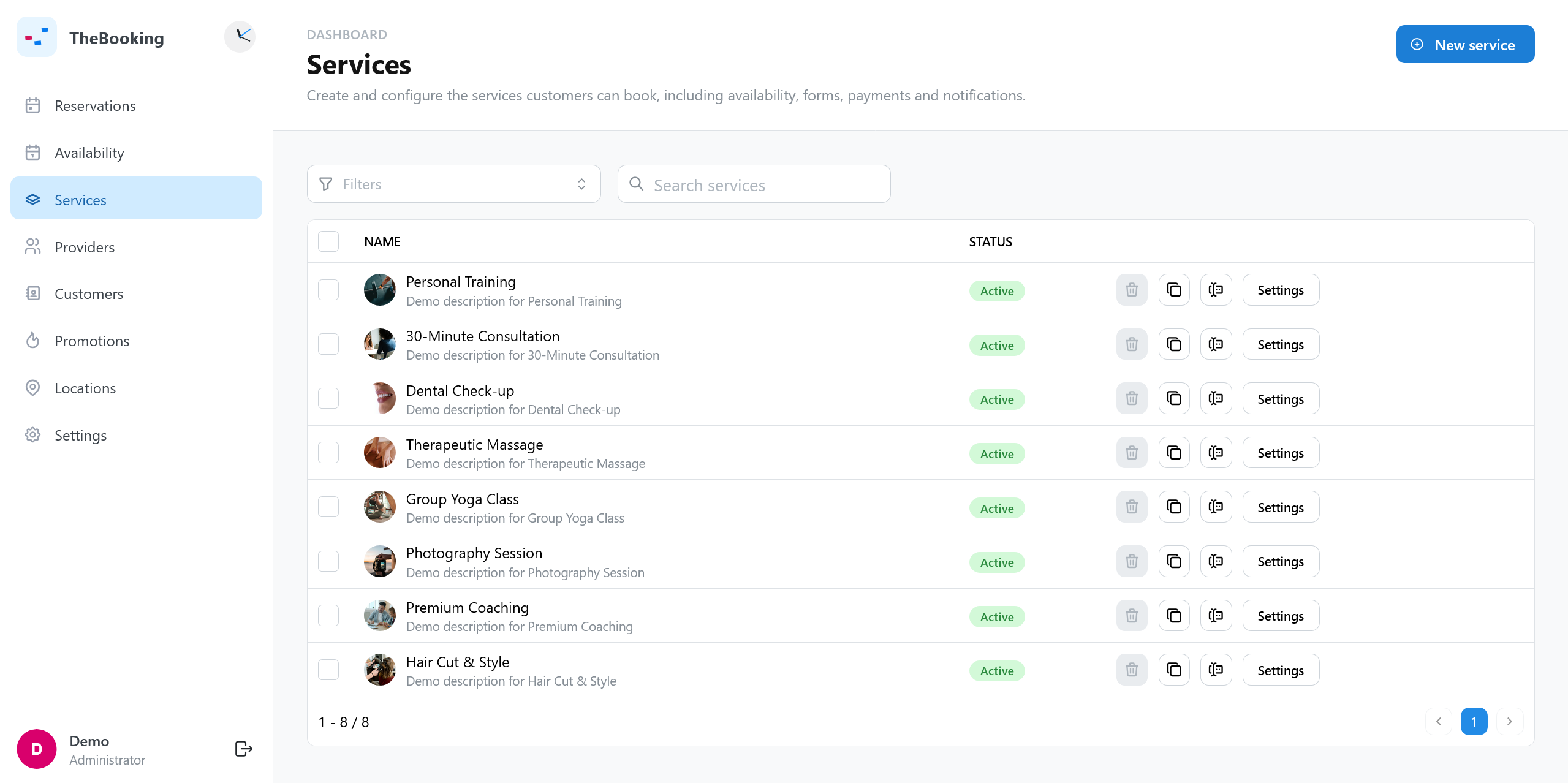
A service is what the customer books: for example a consultation, lesson, treatment, or meeting.
An availability plan decides when that service can be offered.
A provider is the person or resource assigned to the appointment.
A slot is a real bookable time returned to the customer after TheBooking checks the service, schedule, provider, capacity, existing reservations, and connected calendars.
The plugin was previously known as Team Booking. TheBooking 4 can migrate data automatically from 3.x installations. Older installations require an assisted review.