Internal translations
TheBooking includes an internal translation catalog for customer-facing booking content.
Use it when the same site serves customers in more than one language and each language needs its own service names, descriptions, form labels, options, and notification text.
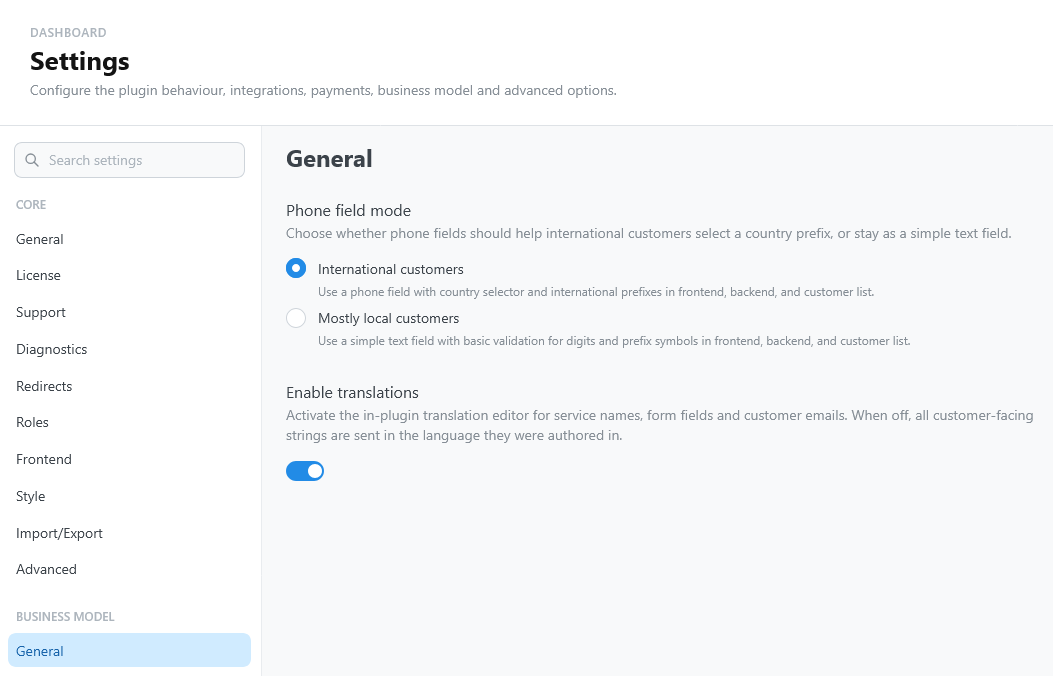
Enable translations
Open Settings > Business Model > General and turn on Enable translations.
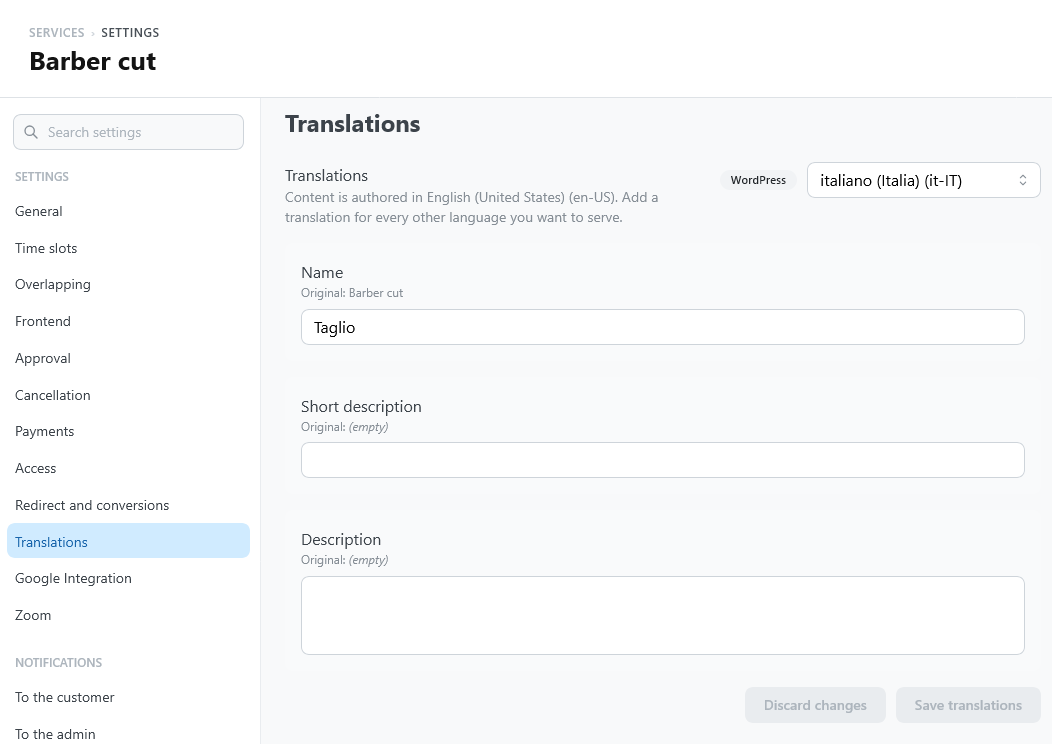
Translation controls then appear where customer-facing text is edited, including:
- service name, short description, and description;
- booking-form labels, default text, and options;
- customer email subjects and bodies.
Source and target languages
The source language is the language of the original content. Target languages are the other active site languages.
With WPML active, the source language is the default language of WPML; otherwise it is the language of the WordPress site.
Edit the source content in the normal service or notification settings. Edit translations in the translation panels.
Working with drafts
Each language has its own draft. Use Save translations when the text is ready, or Discard changes to abandon the draft.
Email translations can be seeded from the current template. If the source template changes later, reload the draft and review the translated text before saving.
During booking
The booking widget follows the language of the page: its text, and also its dates, times, numbers, and prices, use that language's formats. On a multilingual site, the Italian page shows "martedì 20 ottobre" and the English page "Tuesday, October 20".
The booking widget sends the current language with the reservation. TheBooking stores that language and uses it later for customer-facing messages related to the reservation.
When translations are disabled, saved translations remain stored, but customer-facing output uses the source content.