Roles and the provider list
Two separate role settings
TheBooking has two independent WordPress-role allowlists under Settings > Core > Roles — don't confuse them:
- WP Roles allowed to manage the plugin — who can access TheBooking's admin screens at all. Unrelated to providers; a shop manager could have this without being a provider.
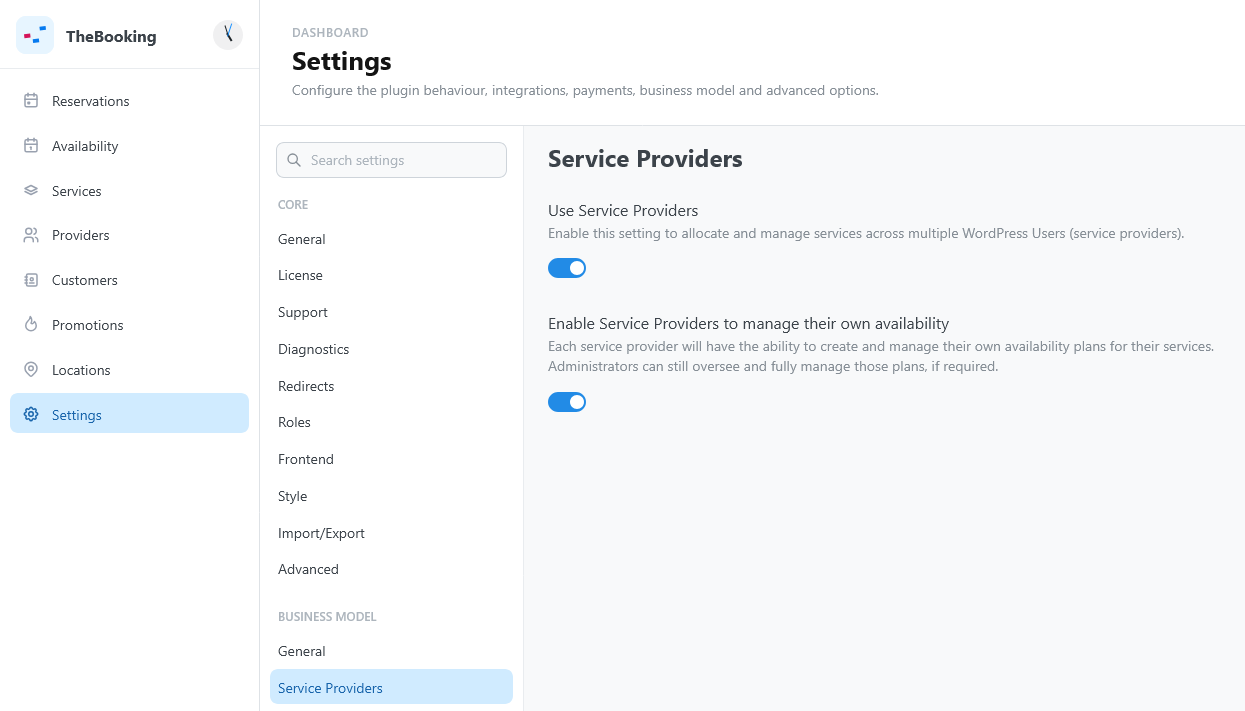
- WP Roles allowed to be Service Providers — who becomes a provider. Only visible once Use Service Providers is on.
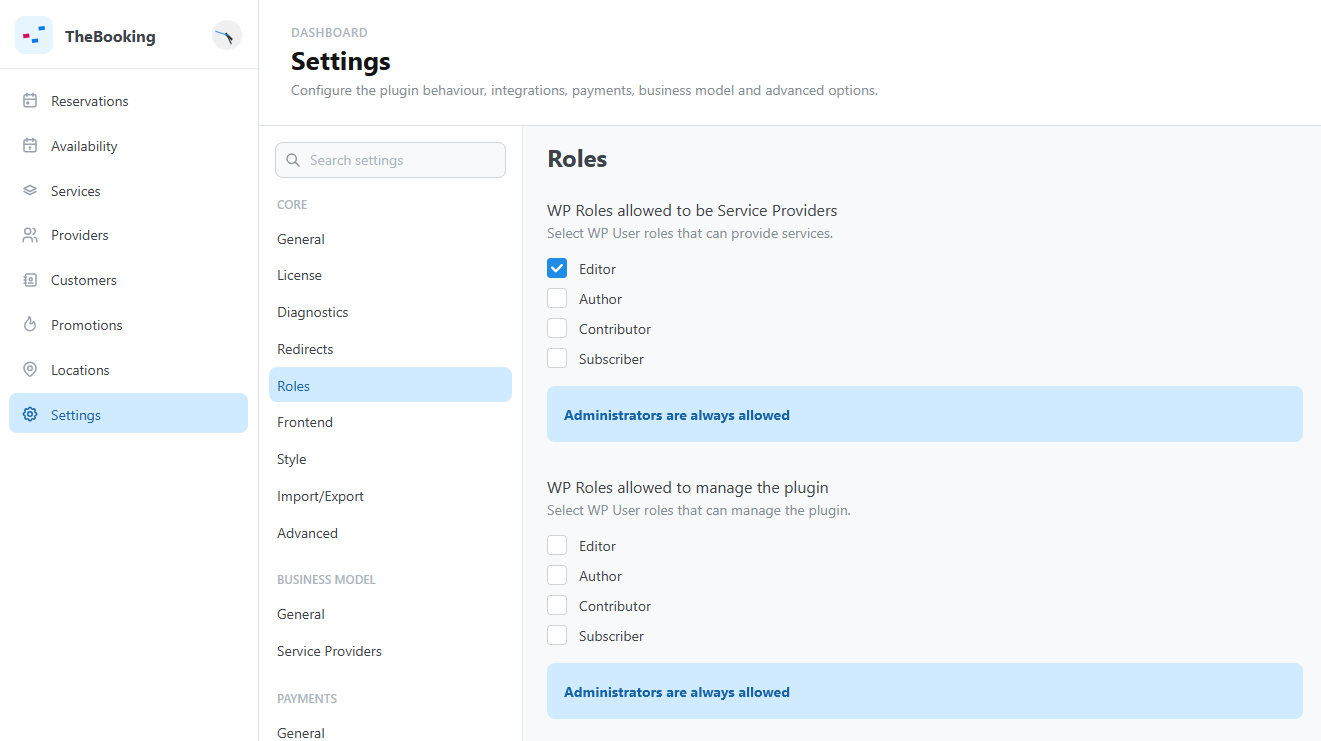
In both lists, administrators are always allowed and don't appear as a selectable option — they're implicitly included.
The provider list
Open Providers to see every WordPress user with an eligible role: name, email, and WP roles. There's no separate step to "create" a provider and no built-in limit on how many you can have — checking a role in the settings above (or assigning that role to a user directly) is enough for them to appear here.
Select a provider to open their Configuration tab and set:
- Timezone — used for that provider's notifications; falls back to the WordPress site timezone.
- Restrict services — off by default, so new services are automatically assigned to every provider. Turn it on to pick an Allowed services list instead; from that point on, new services are not auto-assigned to this provider.
Two things are not in this tab: Google accounts, connected and assigned to providers as described in Connect a Google account, and the delegated service settings, which each provider sets in the service's Personal settings.
A Reports tab shows that provider's own reservation stats: totals, upcoming appointments, booked time, cancellation rate, returning customers, top services and customers, and revenue.
Removing a provider
Removing a user's provider role, or deleting the WordPress user, immediately:
- deletes their delegated per-service settings;
- removes them from every availability plan's provider list — the plan itself, and its other providers, are unaffected;
- unscopes or removes their personal Google account/calendar links, and detaches any calendar left without a scoped provider from the plans that referenced it.
Existing reservations are not touched: past bookings keep their original provider on record even after the provider is gone.