Customers and Privacy & GDPR
The Customers area stores the people who booked through TheBooking, including guests and customers linked to WordPress users.
Open a customer record to review profile information, timezone, language, WordPress user mapping, reservations, and privacy tools.
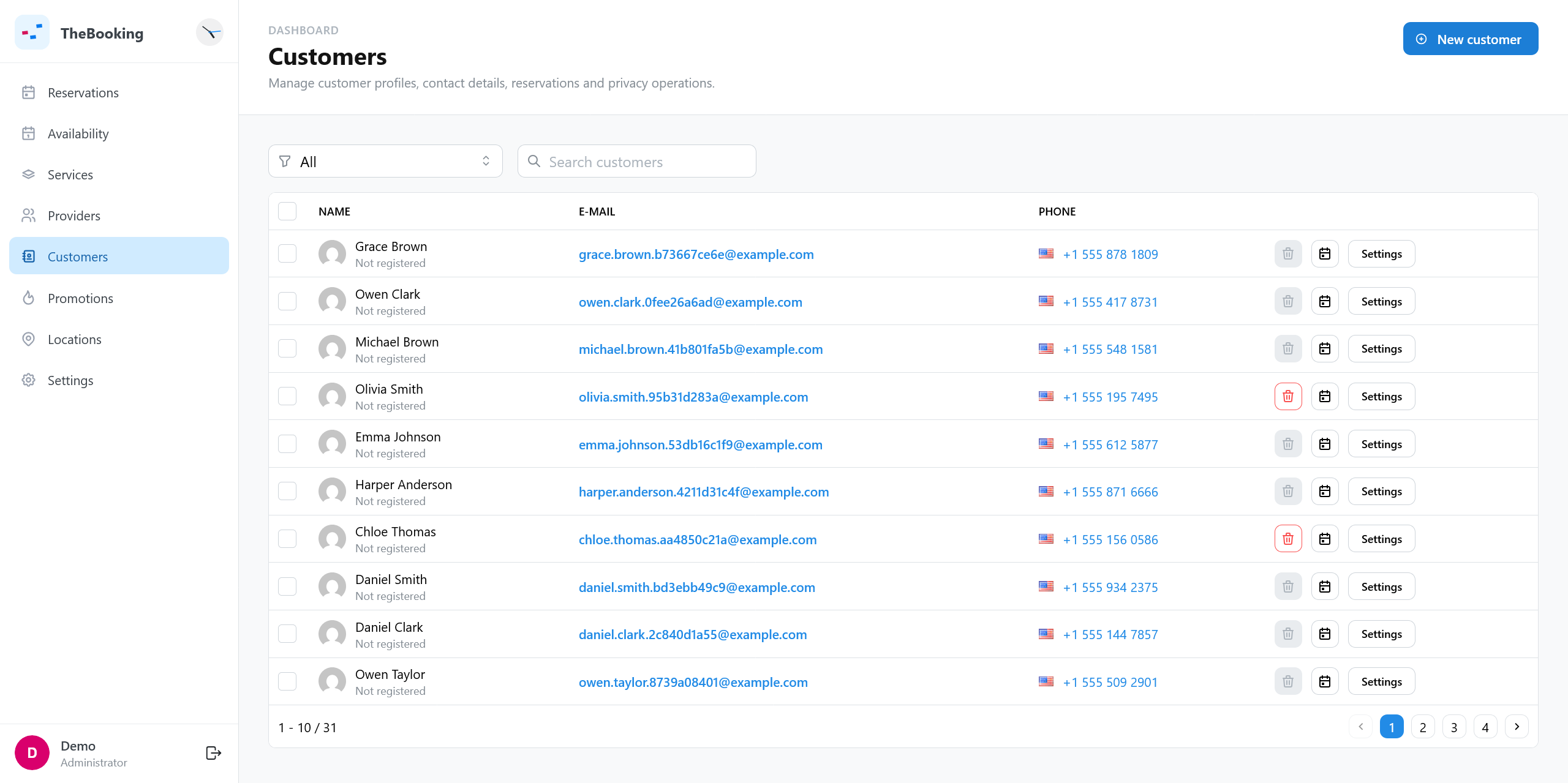
Common customer tasks
- Correct a name, email, phone number, or timezone.
- Check past and upcoming reservations.
- Review the language stored for customer-facing messages.
- Link or unlink a WordPress user.
- Respond to a privacy export or deletion request.
Customer settings
Open a customer to change their settings.
| Group | Setting | What it does | Default |
|---|---|---|---|
| General | Name, Email, Phone | The contact details of the customer. | From the first booking |
| General | Language | The language of the emails to the customer. System language uses the language of the site, under Settings > General in WordPress. | The language of the first booking |
| Advanced | Active | When off, the customer cannot make new reservations: the booking is refused when they confirm it. Existing reservations do not change. | On |
| Advanced | Message to return when restricted | The message the customer sees when a booking is refused. It appears when Active is off. | A standard message that asks the customer to contact support |
TheBooking recognizes the customer by email address, or by WordPress user when they are logged in. The restriction also applies to the reservations you create for them from the WordPress admin.
Privacy actions
The Privacy & GDPR section supports both WordPress-linked customers and guests.
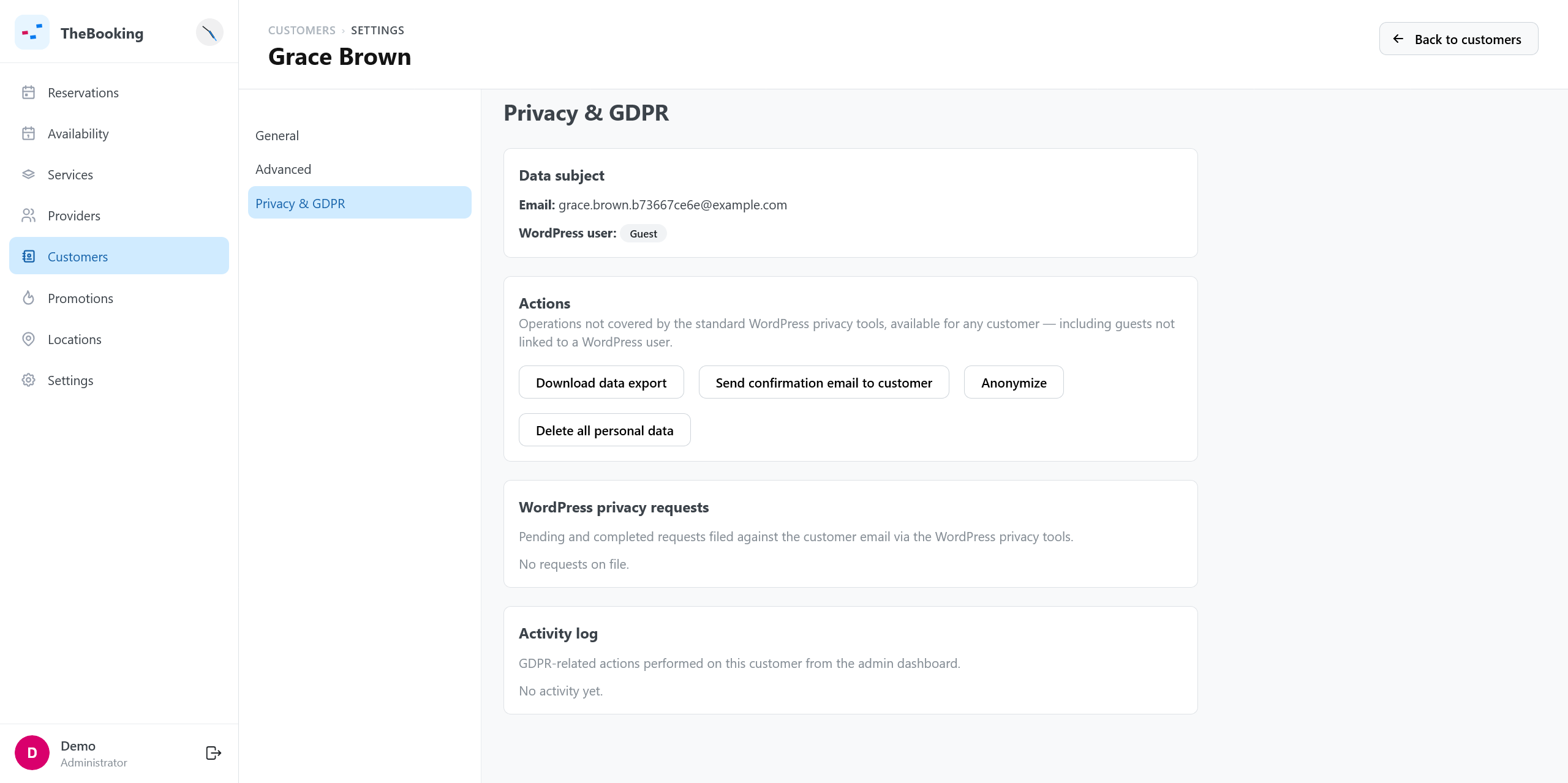
Download data export
Downloads a JSON export with customer profile data, reservations, and booking-form answers.
Send confirmation email
Creates a standard WordPress privacy request and sends the customer a confirmation link for export or removal.
Anonymize
Removes personally identifiable information while keeping reservation records for accounting, reporting, or operational history.
Use anonymization when the booking record must remain but customer identity should be removed.
Delete all personal data
Deletes the customer's reservations and then the customer record. Use this only when the booking records should also be erased.
Anonymization and deletion are irreversible. Confirm legal, accounting, and retention requirements before running either action.