Payments and integrations troubleshooting
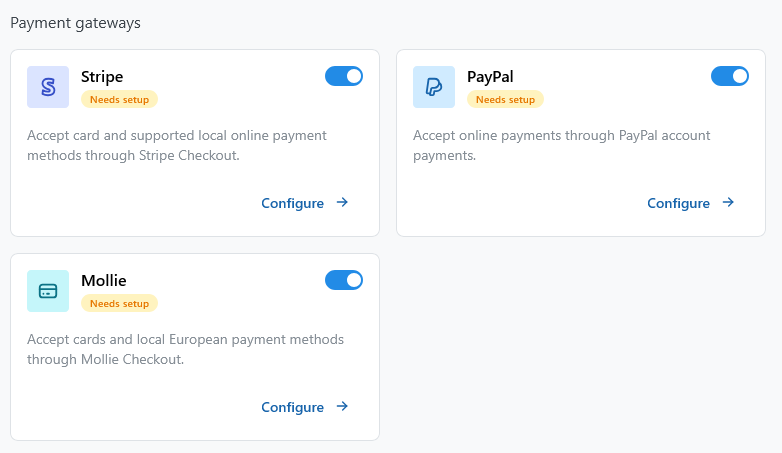
Payment gateway is not active
Check:
- online payments are enabled;
- the gateway card is enabled;
- required production or test credentials are complete;
- test mode matches the supplied credentials;
- the selected currency is supported;
- the WordPress site and callback URLs are reachable over HTTPS.
The backend calculates active; administrators do not set it directly.
Reservation remains pending
Verify the payment provider callback reached WordPress and that its amount, currency, and reservation reference matched. Review hosting, firewall, cache, and security-plugin logs.
Integration settings are hidden
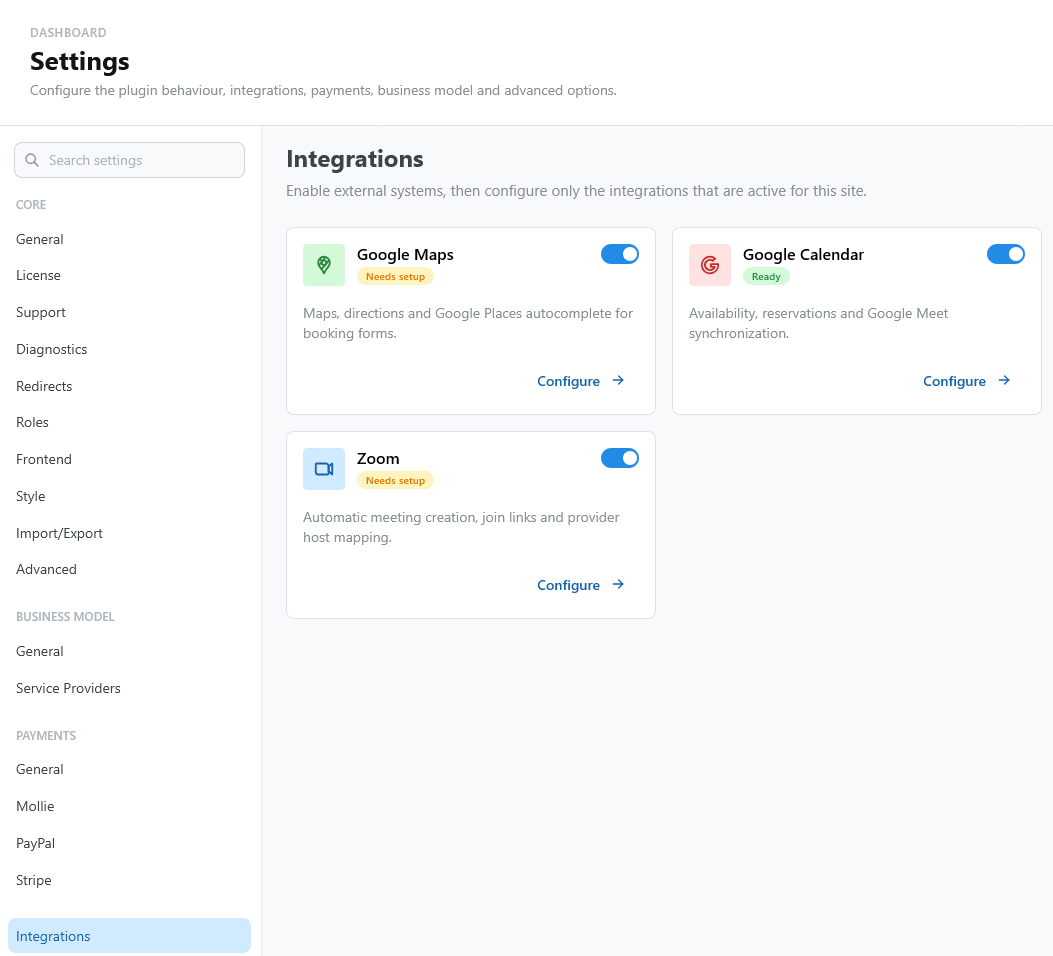
Turn on the integration under Settings > Integrations, then open its setup with Configure. Turning an integration off keeps its credentials but hides its settings, in the setup page and in the services.
Google Calendar
Confirm OAuth credentials, account connection, calendar roles, provider scope, and plan references. Reconnect the account when the grant was revoked.
Zoom
Confirm all required OAuth scopes, then select Test connection in Settings > Integrations > Zoom.
With Provider's Zoom user, a meeting that should belong to a provider but appears on the Zoom user that owns the app means that the provider has no linked Zoom user, or that Zoom refused it. Link the provider's Zoom user under Zoom user per provider, and select Check hosts. See Choose a host model.