Integrations overview
Integrations help TheBooking fit into the tools you already use. You can show addresses with Google Maps, use Google Calendar for availability and reservation events, create online meetings, or connect external systems through API and webhooks.
Open Settings > Integrations to enable Google Maps, Google Calendar, or Zoom.
Each integration has its own enabled switch. Turning an integration off hides related settings and stops new customer-facing use, but it does not delete saved credentials.
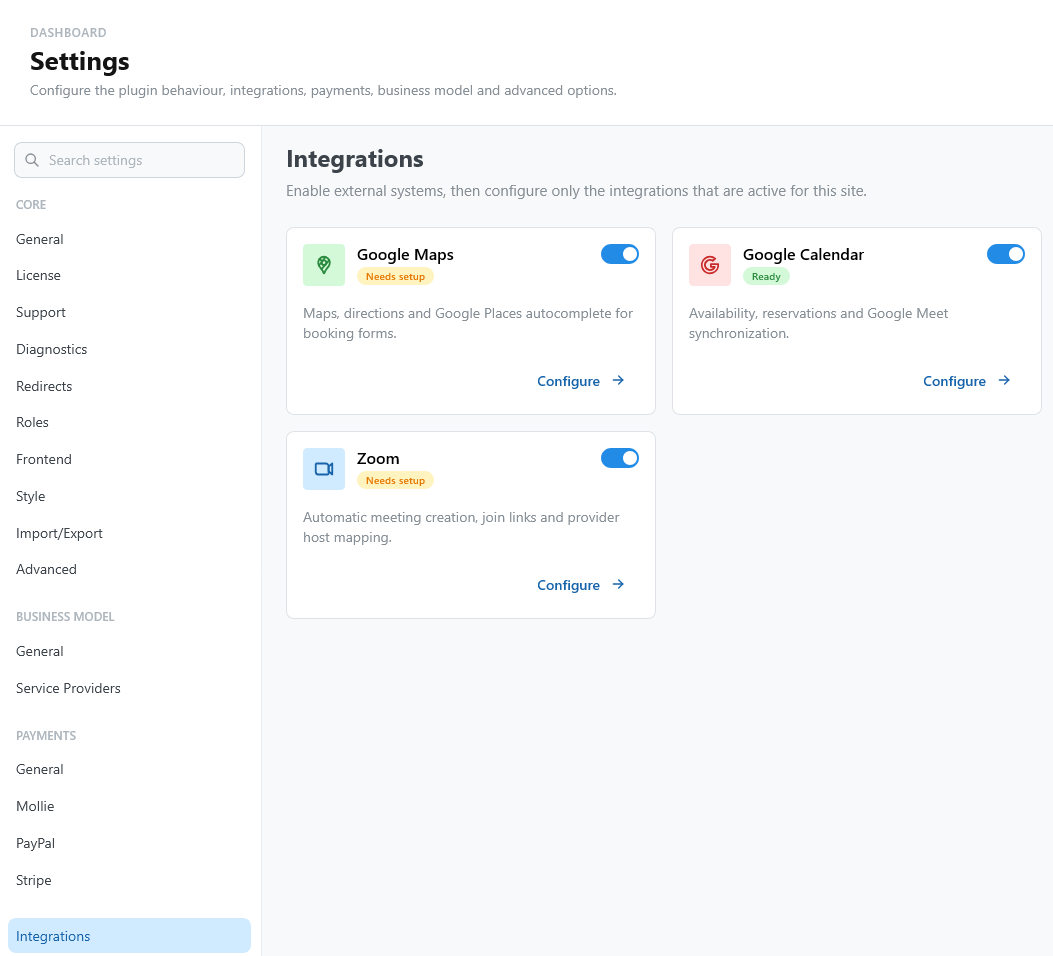
Google Maps
Use Google Maps when services need address lookup, maps, or location-related features.
Start with Google Maps.
Google Calendar
Google Calendar can support three different jobs:
- provide bookable availability from calendar events;
- block availability when a provider is busy;
- receive reservation events after customers book.
It can also create Google Meet links when reservation events are created.
Start with Google project setup.
Zoom
Zoom creates meeting links for online appointments. You can use one shared host or map providers to their own Zoom users.
Start with Zoom.
API and webhooks
Use the public API and signed webhooks when another system needs to read bookings, create customers, create reservations, or react to booking events.
Start with the API and webhooks guide.