Availability plans
Availability plans answer the question customers care about: when can I book?
A plan connects one or more services with the times, dates, providers, and calendars that make those services available.
What a plan can include
- Weekly working hours.
- Start and end dates for a seasonal offer.
- Days off.
- One or more services.
- One provider, a team of providers, or no provider requirement.
- Google Calendar events used as availability.
- Personal calendars that block busy times.
- Destination calendars that receive reservation events.
Create a plan
- Open Availability.
- Select New plan and give it a clear name.
- Add the working intervals or connect a Google Calendar source.
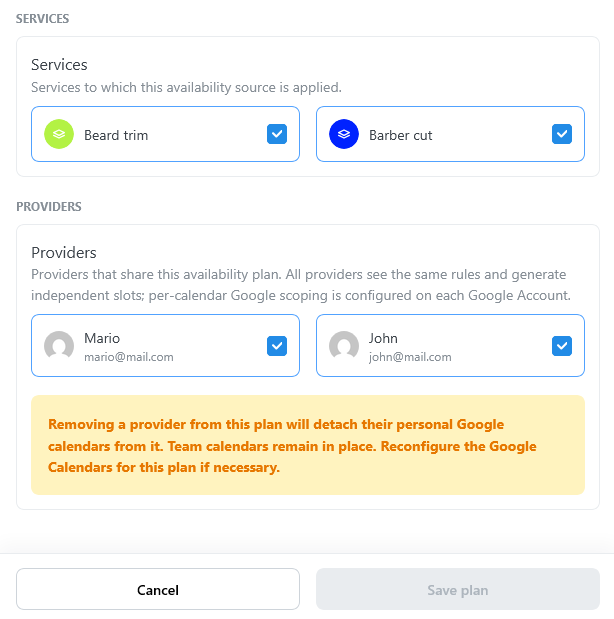
- Select the services offered by the plan.
- Select providers when providers are enabled.
- Save and inspect the generated slots.
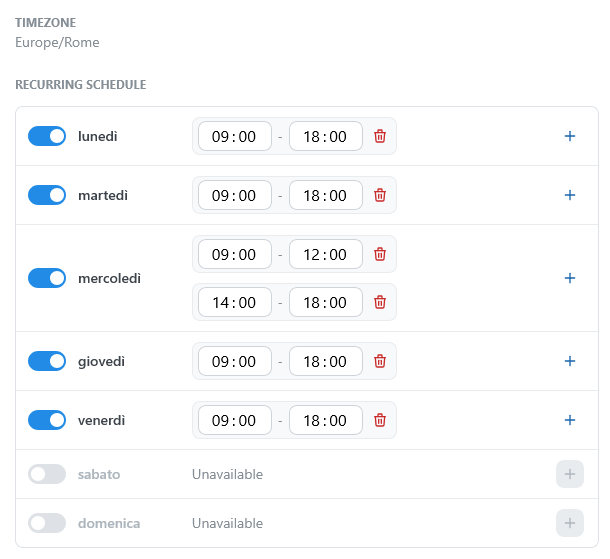
Working intervals are broad availability windows. TheBooking turns them into customer-facing slots by applying each service's duration, buffer, capacity, provider rules, and existing bookings.
Examples
- A clinic can use one plan for weekday consultations and another for Saturday visits.
- A school can create separate plans for different courses.
- A team can use one shared schedule and let TheBooking assign the first available provider.
- A provider can manage availability from Google Calendar when calendar sourcing is enabled.
From working hours to slots
A plan is open on Monday from 09:00 to 12:00, for a service that lasts 45 minutes:
| Buffer between consecutive slots | Slots on Monday |
|---|---|
| None | 09:00, 09:45, 10:30, 11:15 |
| 15 minutes, Always computed between slots | 09:00, 10:00, 11:00 |
Each slot lasts 45 minutes, and a slot that does not end by 12:00 is not created. See Time slots.
Multi-provider availability
When a plan contains several providers, the same schedule applies to each selected provider. The service decides whether customers see one slot per provider or one team slot.
Provider occupancy is still checked individually. If one provider is already booked, another eligible provider can still make the same time available.
Independent plans and capacity
By default, the plans of a service share its capacity: at the same time, all the plans offer the same places. Turn on Independent in a plan when its appointments are separate from those of the other plans.
What changes depends on providers:
- Without providers (Use Service Providers turned off), only capacity counts. Each independent plan has its own places, for example for two rooms or two ticket allocations.
- With providers, places are counted for each provider, and a provider can be in only one appointment at a time. Two plans with different providers never share places, independent or not. For the same provider, an independent plan is a separate appointment: the first booking at a time decides the plan, and the provider is no longer available in the other plans at that time. Use it when the same provider offers the service in two places, so that the customers of the two places are not put in the same session.
For example, a Group Yoga Class with a Time slot capacity of 12 is in two plans, Studio and Garden, both open on Saturday at 10:00. Without providers:
- Shared capacity (the default): the two plans offer 12 places in total at 10:00. After a booking in the Studio plan, 11 places are left in both plans.
- Garden is independent: each plan has its own 12 places, 24 in total. A booking in the Studio plan leaves Garden at 12.
With the same provider in both plans, making Garden independent does not add places. The first booking at 10:00, for example in Studio, takes the provider: Garden has no places left at 10:00, and Studio has 11. In total the provider still takes 12 people at 10:00, all in the same plan.
Check the result
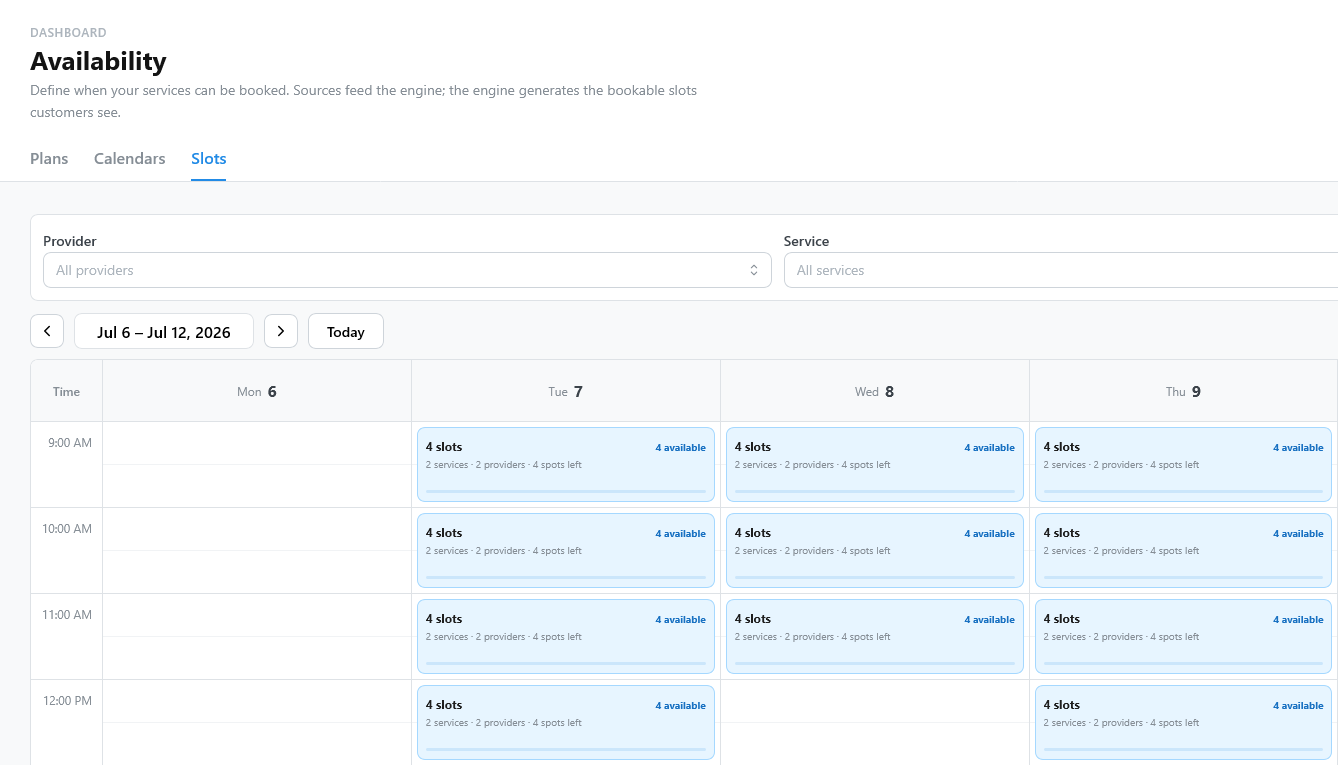
Use Availability > Slots to preview the slots the plan generates and how many places are booked. See Slots preview.