Google integration
This section appears when Google Calendar is on under Settings > Integrations.
Settings
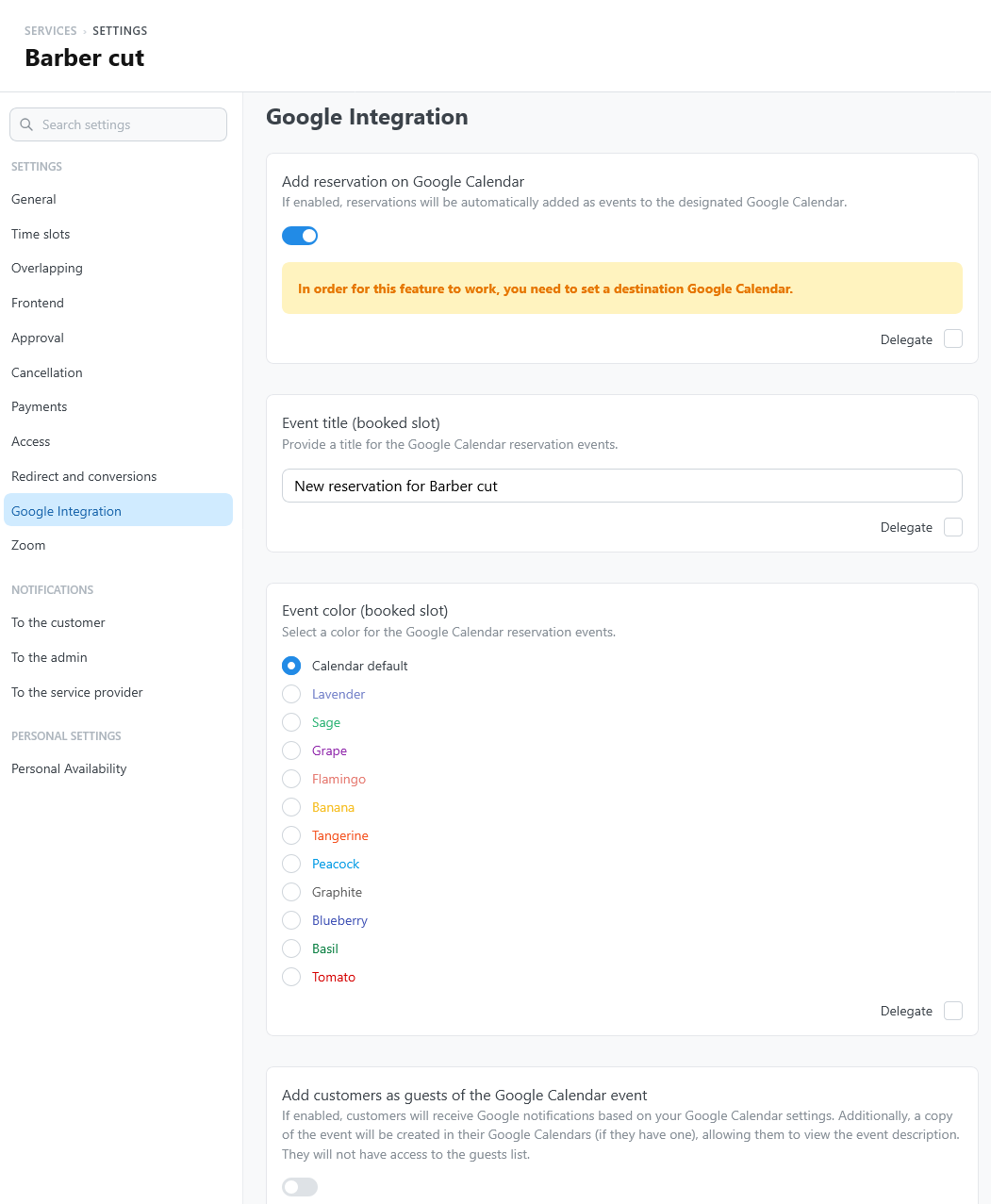
Open the service settings and select Google Integration.
| Setting | What it does | Default |
|---|---|---|
| Add reservation on Google Calendar | Adds each reservation as an event to the destination calendar of its availability plan. | On |
| Event title (booked slot) | The title of the event. | New reservation for service name |
| Event color (booked slot) | Calendar default, or one of the Google Calendar colors. | Calendar default |
| Add customers as guests of the Google Calendar event | Invites the customer to the event: Google sends its notifications and adds the event to the customer's Google Calendar. The customer does not see the other guests. | Off |
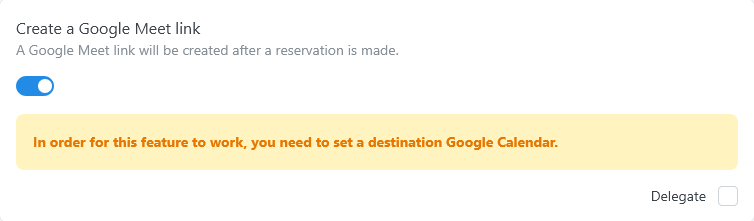
| Create a Google Meet link | Adds a Google Meet link to the event. See Google Meet. | Off |
| Google Calendar event description content | Empty content, Customer's name, tickets, email and phone when available, or Custom content. | Empty content |
| Google Calendar event description custom content | The description, with Custom content. Use placeholders; HTML is not allowed. | Empty |
| Set a Google Calendar reminder for reserved slot | No reminder, or a reminder 10 minutes, 30 minutes, or 1 hour before. | No reminder |
The settings after the first appear when Add reservation on Google Calendar is on. Each one can be delegated to the providers.
The event is created only when the availability plan has a destination calendar for the provider of the reservation. See Configure destination calendars.
With Add customers as guests of the Google Calendar event, the event, and its description, reach the customer's Google account. With customer data in the description, that data is stored in Google Calendar too. Tell customers in your privacy notice.
Google Meet
Turn on Create a Google Meet link to add a Meet link to the event of each reservation. TheBooking stores the link with the reservation: add it to the customer emails with a placeholder.
Rescheduling
A change of date updates the event. When the provider changes, TheBooking keeps the event if its calendar also covers the new provider; otherwise it deletes the event and creates it in a destination calendar of the new provider, with a new Meet link.