Block availability during busy times
Busy events from a calendar assigned the Blocking role (internally the Personal role) can remove otherwise valid slots from an availability plan.
- Connect a Google account and, from Availability > Calendars, use Add calendar so the calendar can be used in plans.
- Open the availability plan in Availability > Plans, switch to its Availability tab, and add the calendar under Calendars in this plan.
- Set its role to Blocking. This must be a different calendar from the one assigned as Source for the same plan.
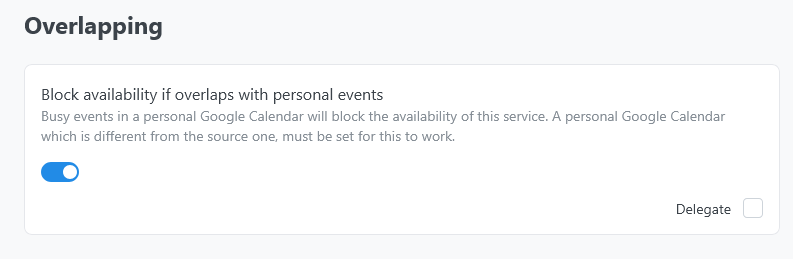
- Turn on Block availability if overlaps with personal events in the relevant service settings.
Events marked free do not block slots. All-day, recurring, and cross-timezone events should be tested from the booking widget after configuration.
For provider and sub-team plans, only personal calendars permitted by the plan scope are considered. See Google accounts and providers.