Google Meet
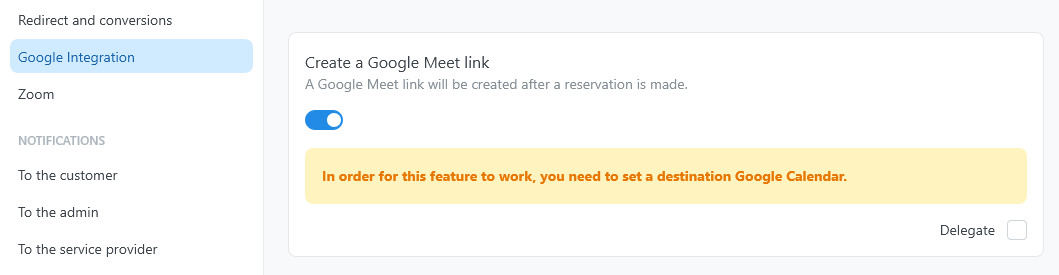
Google Meet links are attached to the destination Google Calendar event created for a reservation, so this feature depends on event creation being set up first.
- Connect a Google account, then follow Configure destination calendars to assign one of its calendars as the Destination calendar for the availability plan.
- Turn on Add reservation on Google Calendar for the service.
- Turn on Create a Google Meet link.
Sharing the link
After booking, the conference link is stored with the reservation and appears in the destination event. Add the Google Meet placeholder to saved notification templates that should send the link to customers or providers.
Rescheduling and reassignment
Rescheduling updates the associated calendar event. When the provider changes, TheBooking keeps the event if its calendar also covers the new provider. Otherwise it deletes the event and creates it in a calendar of the new provider, with a new Meet link. Use the reservation placeholders in emails rather than copying a link into the template.
Troubleshooting
If Google rejects the conference creation request (for example, missing consent for the Calendar scope), the destination event is still created without a Meet link, and the error is only visible in the site's log. If links are missing, reconnect the account to confirm the calendar permissions are still granted.