Google accounts and providers
When providers are enabled, every Google account and every calendar applies to some providers. This decides whose times a calendar opens or blocks, and whose reservations it receives.
Without providers, accounts have no provider: each calendar applies to the plans that use it.
Team and personal accounts
| Account | Provider | Its calendars apply to | Label in Availability > Calendars |
|---|---|---|---|
| Team account | None | The providers of each plan that uses the calendar, or a sub-team of them | Team account |
| Personal account | One provider | That provider only | The provider's name with "'s account", for example Clara Whitfield's account |
An account has at most one provider. A provider can have several accounts.
An account gets its provider when it is connected. An account connected by a provider is always that provider's. An account connected by an administrator is a team account. See Connect a Google account.
Only administrators can change the provider of an account, from the More actions menu of the account in Availability > Calendars:
- To make a team account personal, select Assign to a provider…, choose the Provider, and select Assign. For a provider's account, the item is Assign to another provider….
- To make a provider's account a team account, select Make it a team account, and then select Make team account. Its calendars keep applying only to the previous provider, until you change the providers of each calendar.
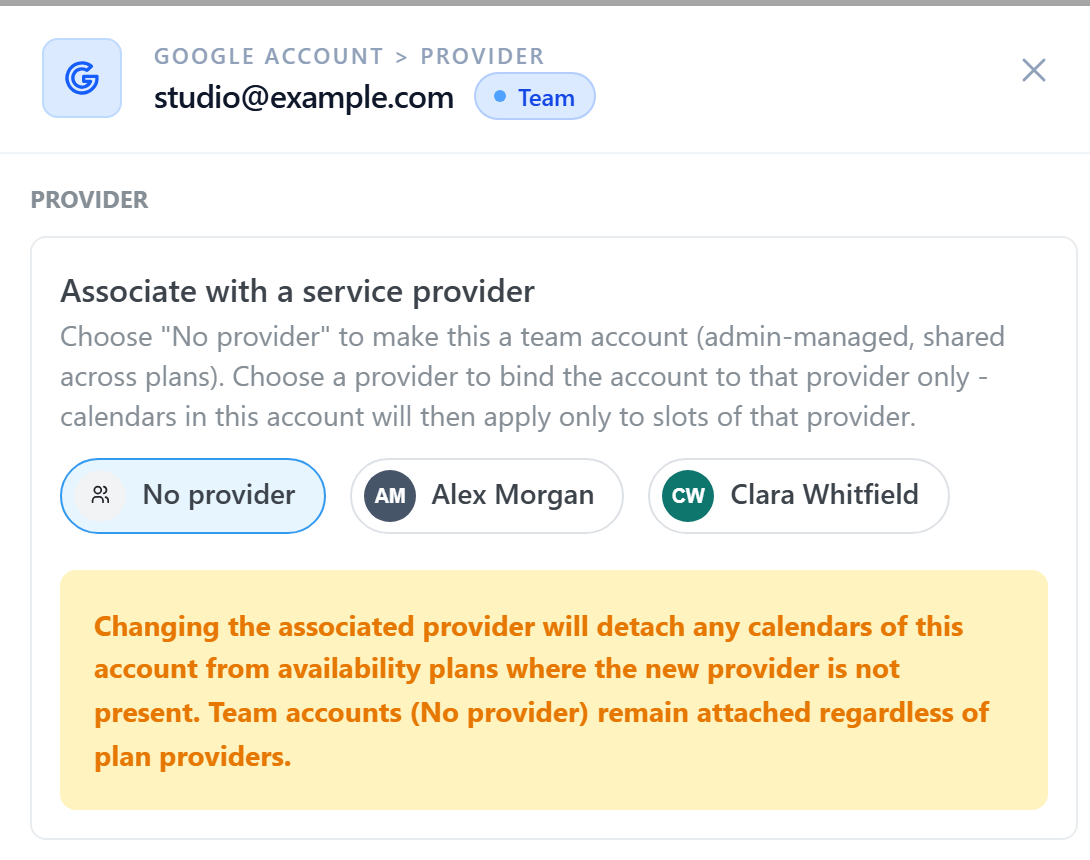
When you assign an account to a provider, its calendars leave the availability plans where that provider is not present. Making an account a team account changes nothing in the plans.
Calendars of a team account
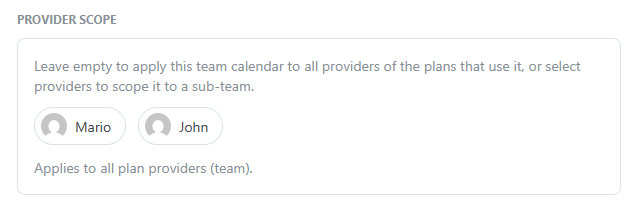
A calendar of a team account applies to every provider of the plan that uses it. To limit it to some providers:
- In Availability > Calendars, select the calendar to open its page.
- Under Providers, select Sub-team, and select the providers.
- Select Save.
The calendar becomes a sub-team calendar. It then applies only to the providers that are both in its sub-team and in the plan. To apply it to every provider again, select All providers.
Calendars of a personal account
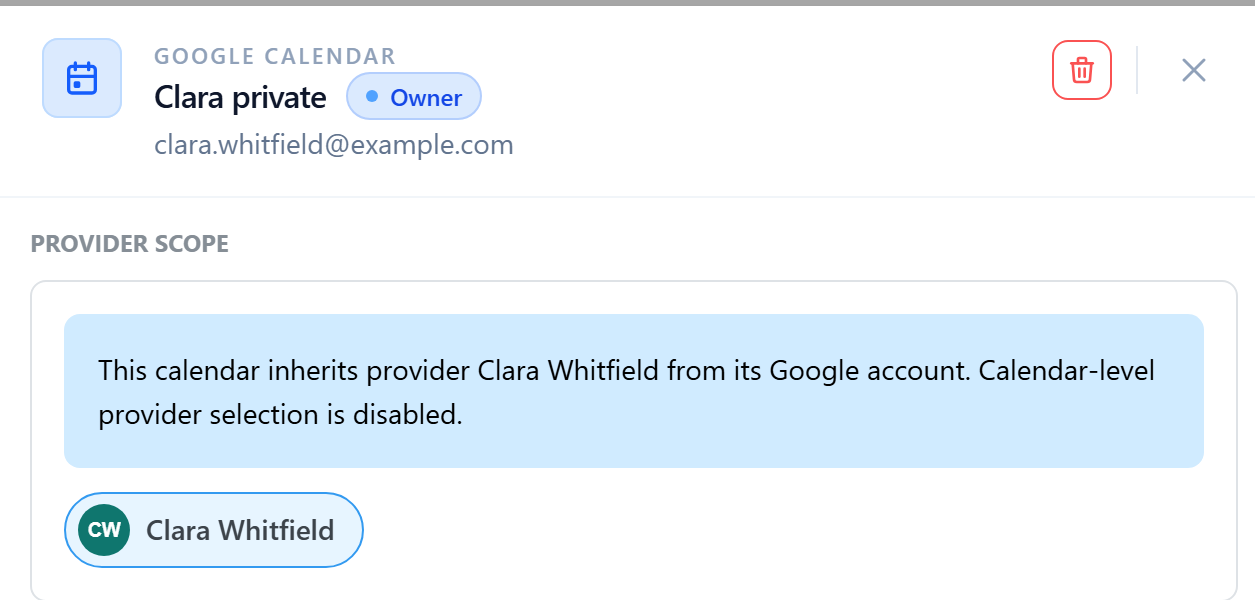
A calendar of a personal account inherits the provider of the account: its page shows the Provider, and its providers cannot be changed. It applies to that provider in every plan that uses it.
Calendar roles
The role of a calendar is chosen in each plan. It always acts for the providers the calendar applies to:
| Role | Effect |
|---|---|
| Source | Its events open availability. See Providing availability. |
| Blocking | Its busy events remove availability. See Block availability. |
| Destination | It receives an event for each reservation of a provider it applies to. See Create events after reservation. |
Only a calendar that the account can change, marked Owner or Can edit, can be a destination. Can edit includes the calendars of other Google users shared with the account with "Make changes to events": see Calendars shared with you. A calendar marked Read-only or Free/busy cannot.
Example
A plan offers Personal Training with Clara and Alex:
- A team account connects the calendar Studio schedule, applied to All providers, as Source. Its events open times for both Clara and Alex.
- Clara connects her own account. Her calendar Clara private is Blocking: her busy events remove only her times. Alex's times do not change.
- The team calendar Studio bookings, limited to a sub-team with Clara, is the Destination. Reservations with Clara are written to it. Reservations with Alex are not.
Labels of accounts and calendars
| Label | Meaning |
|---|---|
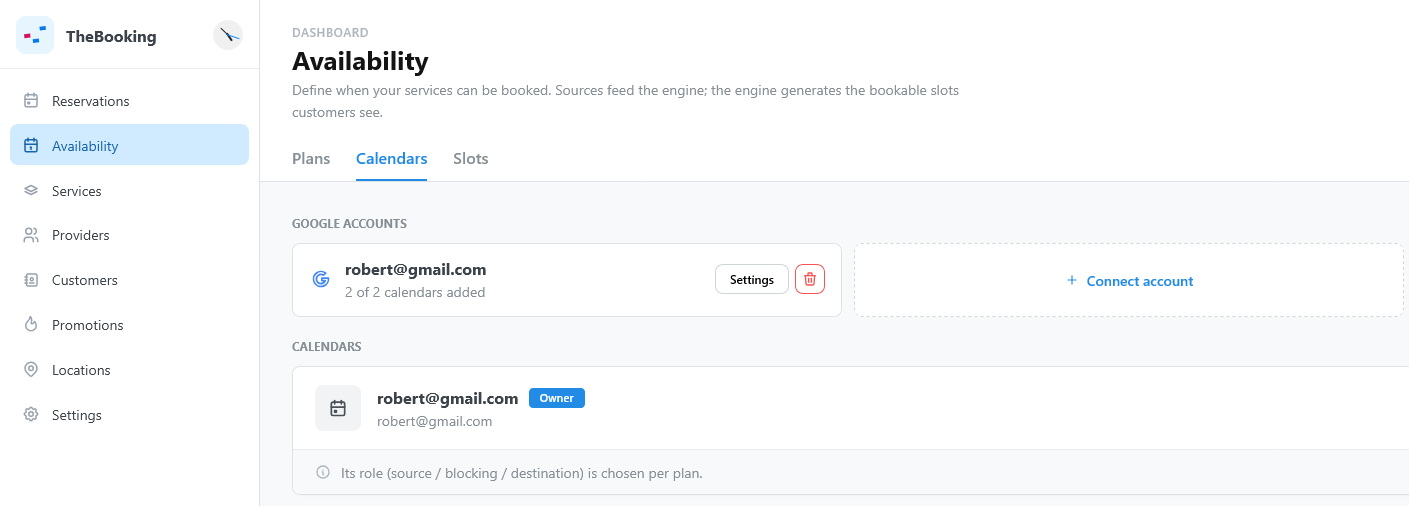
| Team account | An account without a provider. |
| The provider's name with "'s account", for example Clara Whitfield's account | The personal account of that provider. |
| A provider's account | The provider of the account is no longer a provider. Assign the account to another provider, or make it a team account. |
| All providers, in the Providers column | A team calendar that applies to every provider of its plans. |
| A provider's name, in the Providers column | A calendar of that provider's account, or a team calendar limited to that provider. |
| Sub-team · 2, in the Providers column | A team calendar limited to some providers: 2 in this example. |
| Owner, Can edit, Read-only, Free/busy | The access of the account to the calendar: it owns the calendar, or sees it shared with that permission. |
| Not used, in the Plans column | The calendar is added, but no plan uses it. |
An account associated with several providers in an older version keeps only the first provider. The WordPress admin then shows the notice TheBooking — Legacy Google accounts need attention, with the providers detached from each account.