Access
Access decides who can book this service from the booking widget. Everyone still sees the service and its availability; access only controls the booking itself.
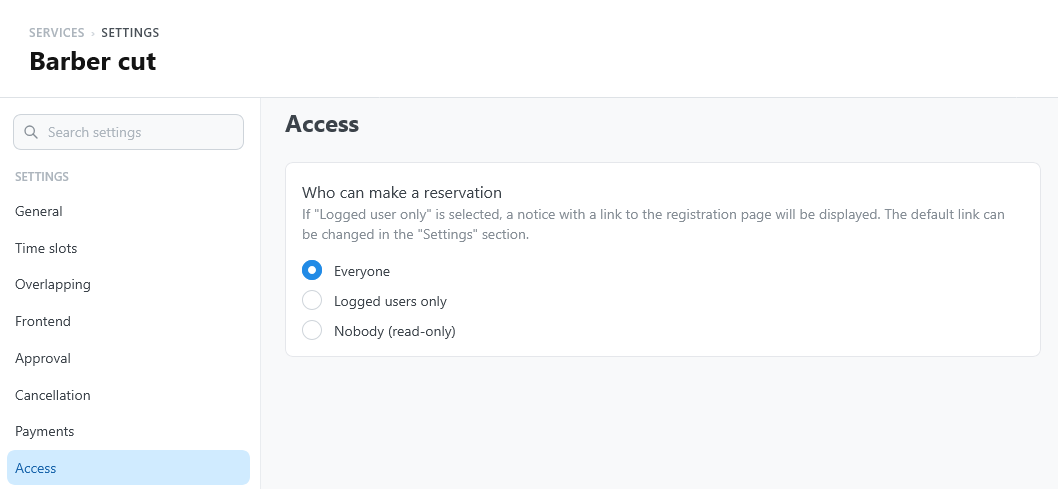
Who can make a reservation
Open the service settings and select Access.
| Option | Who can book | What other visitors see |
|---|---|---|
| Everyone (default) | Any visitor. | — |
| Logged users only | Visitors logged in to WordPress. | Login required: "Log in or register to book this service.", with Login and Register buttons. |
| Nobody (read-only) | Nobody, from the website. | Read only: "This service is not available for online booking." |
The setting also applies to reservations created from Reservations in WordPress: with Nobody (read-only), the service cannot receive new reservations at all.
Login and registration pages
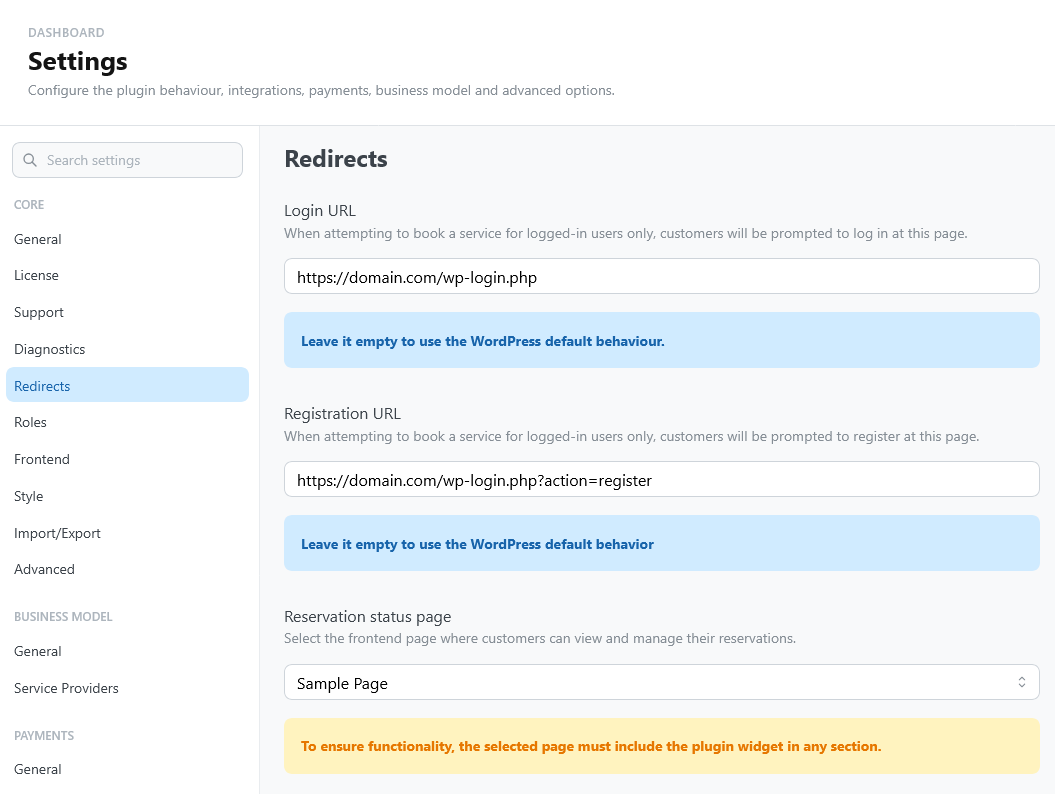
The Login and Register buttons open the addresses set under Settings > Core > Redirects:
- Login URL: the page where customers log in;
- Registration URL: the page where they create an account.
When an address is empty or not valid, TheBooking uses the WordPress login or registration page. If WordPress does not let visitors register (Settings > General > Membership in WordPress), its registration page does not work: enter the address of your own registration page.
Access of a single widget
The widget options apply on top of the service setting, for that widget only:
- Read-only shows availability and blocks every booking from that widget ("Online booking is disabled for this widget.").
- Logged-only asks visitors to log in before they book any service from that widget.
A widget option can only restrict access further: it cannot open a service set to Nobody (read-only). See the WordPress block and the shortcode options.