Overlapping and conflicts
TheBooking prevents double bookings by checking capacity, provider availability, existing reservations, and connected personal calendars.
Same service
If the service capacity is greater than one, more than one reservation can use the same appointment time until capacity is full. For example, with a capacity of 12 and 3 places booked, 9 places are left at that time.
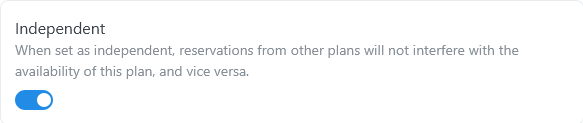
Mark an availability plan as independent only when that plan should have separate capacity from the other plans for the same service.
Other services
A provider who is already booked for another service is not available for an overlapping appointment.
For example, Clara offers Hair Cut & Style (45 minutes) and Group Yoga Class (75 minutes), both from 09:00. When a customer books Hair Cut & Style at 09:00, Clara is busy until 09:45: her Group Yoga Class at 09:00 is no longer offered. With How to treat discarded available slots set to Show them as booked, customers see it as booked instead. See Frontend settings.
Independent plans separate service capacity, but they do not make the same provider available in two places at once.
Personal Google Calendar events
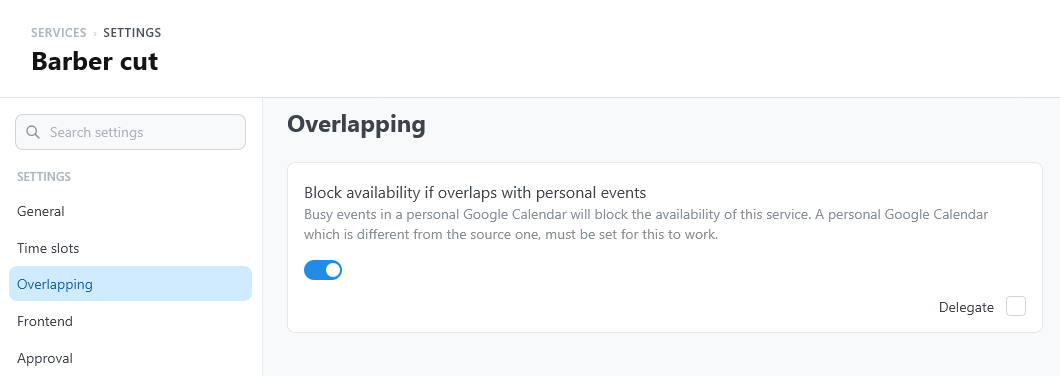
Open the service settings and select Overlapping.
| Setting | What it does | Default |
|---|---|---|
| Block availability if overlaps with personal events | Busy events in the provider's personal Google calendar remove the times they overlap. The personal calendar must be different from the source calendar of the plan. It can be delegated to the providers. | Off |
Use Google accounts and providers to understand which providers a calendar affects.